-
Install docker in WSL (ref: posts"Quick start to install Docker and Docker-compose on CentOS")
-
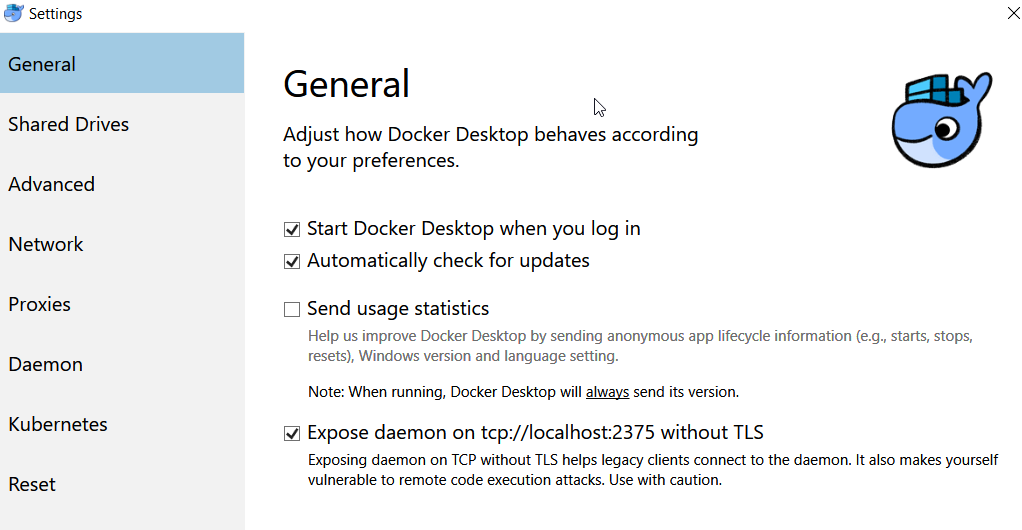
Open "Expose daemon on tcp://localhost:2375 without TLS" within "Win10 Docker Desktop"
-
Run and get into `bash` of WSL.
-
Run command, and change the docker host to your Win10 via TCP:
vi ~/.bashrc

=== .bashrc ===
export DOCKER_HOST='tcp://0.0.0.0:2375'
source ~/.bashrc
Leave a Reply