Month: October 2024
PowerShell/Windows commands (updating)
Find FQDN/IP

Git commands (updating)
Stash with message(-m) and untracked/new(-u) files

Linux 常用指令 (updating)
含 \n 的字串不能直接用 echo 去 base64, 先放到 file 裡面才不會直接被忽略
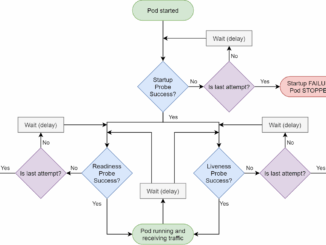
Container FAQ (updating)
Overview
Useful short-key(shortcut) for me (Updating)
Windows”Win” + “L”Lock desktop”Alt” + “Esc”Put current window to bottom”Alt” + “Space” + “n”Minimize current window”Shift” + right click to the app icon of taskbar move the window of appExplorerCtrl + nClone this folder windowWin + eOpen new explorer windowChrome”Ctrl” + “Tab”next tab”Ctrl” + “Shift” + “Tab”previous tab”Alt” + “D”, “Alt” + “Enter”Duplicate current tabRight click tab, DuplicateDuplicate current tabSurface”Fn” + “Caps”,switch Fn keyVolume up + power”Win” + “Shift” + “s””PrtScn”,”Win” + volume-downScreen captureVS code”Ctrl” + “j””Ctrl” + “Shift” + “m”Toggle panel on the bottom”Ctrl” + “b”Toggle left panel (sidebar)”Ctrl” + “Shift” + “p”show all commandsRemote Desktop”Ctrl” + “Alt” + “End”like Ctrl+Alt+DelMS Teams”Ctrl” + “w”minimize cast control on top
WordPress FAQ
GENERAL

個人精選小物 (更新ing)
POLYBALL
C#/.NET/.NET.Core FAQ
Other